•
Drizz raises $2.7M in seed funding •
•
Featured on Forbes
•
Drizz raises $2.7M in seed funding •
•
Featured on Forbes

Codeless test automation lets anyone build automated tests without writing code. On web it is a solved problem. On mobile it mostly isn't — and this guide explains why, then shows what closes the gap.

Schedule a demo
Rather try it yourself? Download for Mac
Trusted by mobile teams at






>200
tests/month per QA vs 15 on Appium
5%
flakiness down from 15%
1.0×
iOS + Android effort write once, run both
0
selectors to maintain


Codeless test automation is the practice of creating and maintaining automated tests without writing code. Instead of scripting in Java or Python, testers describe test steps in plain English, drag and drop pre-built actions, or record interactions, and the platform turns those steps into executable tests.
Schedule a demo

The premise is simple: the person who understands the product should be the person who automates it. In most organisations that isn't what happens. Manual QAs know the feature intimately, write the test cases, then hand them to an automation team that has to relearn the flow before scripting it. Codeless automation testing removes that handoff.

What has changed recently is depth. Early codeless tools were record-and-playback wrappers — fine for creating a test, useless for editing one. Modern codeless test automation platforms let you author, edit, maintain and debug without touching code at any stage.

Codeless, no-code and scriptless are used interchangeably. All three describe the same thing: software testing without coding. Low-code is the meaningful exception, and we cover the difference below.

That maintenance point is the one that matters commercially. A tool that makes test creation codeless but leaves maintenance to engineers hasn't removed the bottleneck. It's moved it downstream.
Every codeless platform does the same job — turn a human description into an executable action — but they differ in how they find the element to act on. That single choice determines almost everything about maintenance cost.
Schedule a demo

1/3
Captures your clicks and taps, then replays them. Fast to start. The catch is that edits usually require code or a full re-record, which is why record-and-playback earned codeless testing its early reputation for being shallow.

2/3
You assemble tests from pre-built actions in a visual builder. More maintainable than recording, but the library constrains what you can express, and anything unusual falls back to a code snippet.

3/3
You write the step as a sentence. The platform interprets intent and locates the element, either by parsing the app's structure, or by reading the screen visually the way a human tester does.
The alternative is visual identification: the platform locates elements by what appears on screen rather than by an underlying identifier. Nothing to rename, nothing to update, nothing to break. That's the distinction worth interrogating in any demo.
Underneath the interface, most codeless automation tools still resolve to a selector — an ID, an XPath, an accessibility label. The code is hidden from you, but it still exists, and it still breaks when a developer renames a button. You get codeless authoring on top of selector-based fragility.
Vendors use these loosely. In practice, low code test automation still assumes some scripting ability, while no code test automation assumes none. The distinction decides who on your team can actually build tests.
Schedule a demo

Scriptless test automation is a fourth term for the same idea as no code automation testing. It surfaces most often in enterprise contexts and predates the current no-code wave, but there is no meaningful technical distinction.
The question that actually separates products isn't which label they use. It's whether test maintenance stays codeless — because that is where the hours go.
.svg)
No code test automation (codeless)
Code-based automation isn't obsolete. It remains the right tool where tests need to reach below the UI, drive custom protocols, or live inside a developer's own repository. The realistic end state for most teams is both: codeless for the broad regression surface, code for the narrow technical edge.
A complete mobile application testing strategy layers several test types. Drizz automates the ones that consume the most QA time — across native and hybrid apps alike.
Schedule a demo

On the web, every element sits in a document object model with attributes a codeless tool can target reliably. Native iOS and Android apps expose no equivalent. Elements are rendered by the platform, and what a tool can "see" depends on whatever accessibility metadata the developers happened to add.

React Native, Flutter and Ionic apps move between native and web-rendered views inside a single journey. Selector-based tools have to detect the switch and change strategy. Every missed switch is a failed step that isn't a real bug.

Backgrounding, cold starts, incoming calls, permission prompts, push notifications and deep links are routine on mobile and absent from web testing entirely. Codeless platforms built web-first often handle them poorly or not at all.

Most codeless mobile tools fall back to accessibility identifiers. In practice these are frequently absent, auto-generated, or repeated across a list. The tool then guesses by index — which is why the test passes today and taps the wrong row tomorrow.

Android alone spans tens of thousands of device models. A codeless test that hardcodes any positional assumption works on the device it was recorded on and nowhere else.

This isn't a contrarian position. Established codeless vendors state plainly in their own documentation that their web capabilities are more mature than their mobile ones. It's a known gap in the category — which is exactly why a mobile-first approach exists.
Four inputs — team size, test count, maintenance hours, salary. It returns the annual engineering cost of selector maintenance.
Run the calculator

The people with the deepest product knowledge stop handing work off and start automating it themselves. Test quality improves because the author understands the feature.

No new language to learn, no framework to configure. Teams typically ship their first working test the same day rather than the same quarter.

Product managers, designers and clients can read a plain-English suite and say what's missing. Test coverage stops being invisible to everyone outside QA.

When authoring takes an hour instead of a day, coverage keeps pace with the release cadence instead of falling permanently behind it.

No specialist hiring to scale coverage, and no framework rewrite when the app is redesigned. The savings are in engineering hours, not licence fees.

With self healing test automation, steps that would previously have broken on a UI change adapt on their own — provided the platform identifies elements visually rather than by locator.

High repetition, stable expectations, run on every build. The clearest return.
Login, search, cart, payment, checkout — the journeys where a defect costs revenue directly.
One test executed across your device matrix, which is impractical to do manually and tedious to script.
Short, frequent, and exactly the work that erodes a manual tester's week.

Requires human judgment and curiosity. No automation substitutes for it.
Whether a flow feels right isn't an assertion you can write.
Flows requiring elaborate external setup often cost more to automate than they return.
Unit tests, contract tests and anything below the interface belong in code, close to the developers who own them.
Codeless testing is just record and playback.
Record and playback is one early implementation. Modern platforms author from natural language, and — critically — let you edit and maintain without code, which recorders never did.
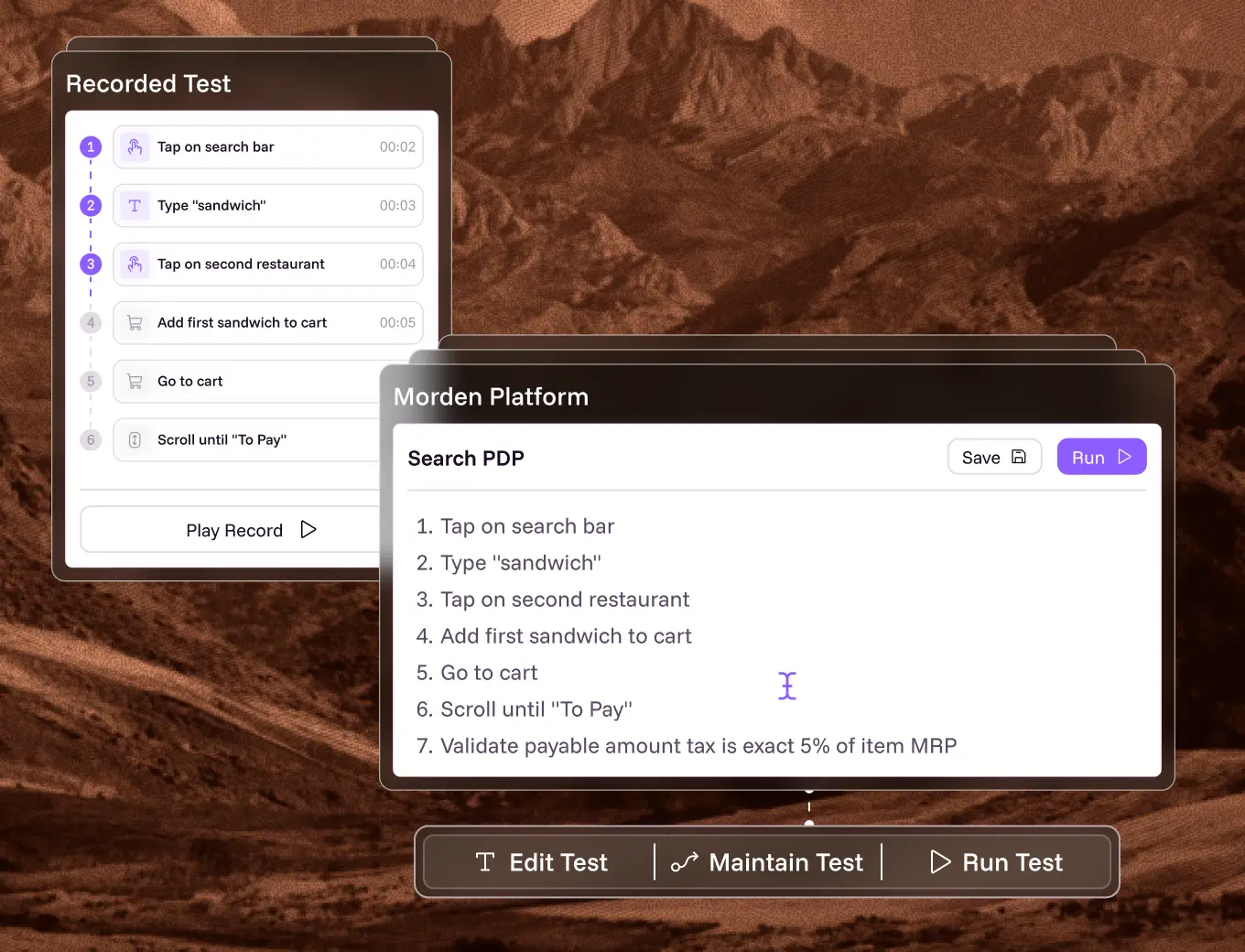
Codeless tests are hard to maintain.
True of recorder-based tools. Not true of platforms where tests are readable sentences and element identification is visual. Maintenance burden is a property of the tool, not the category.
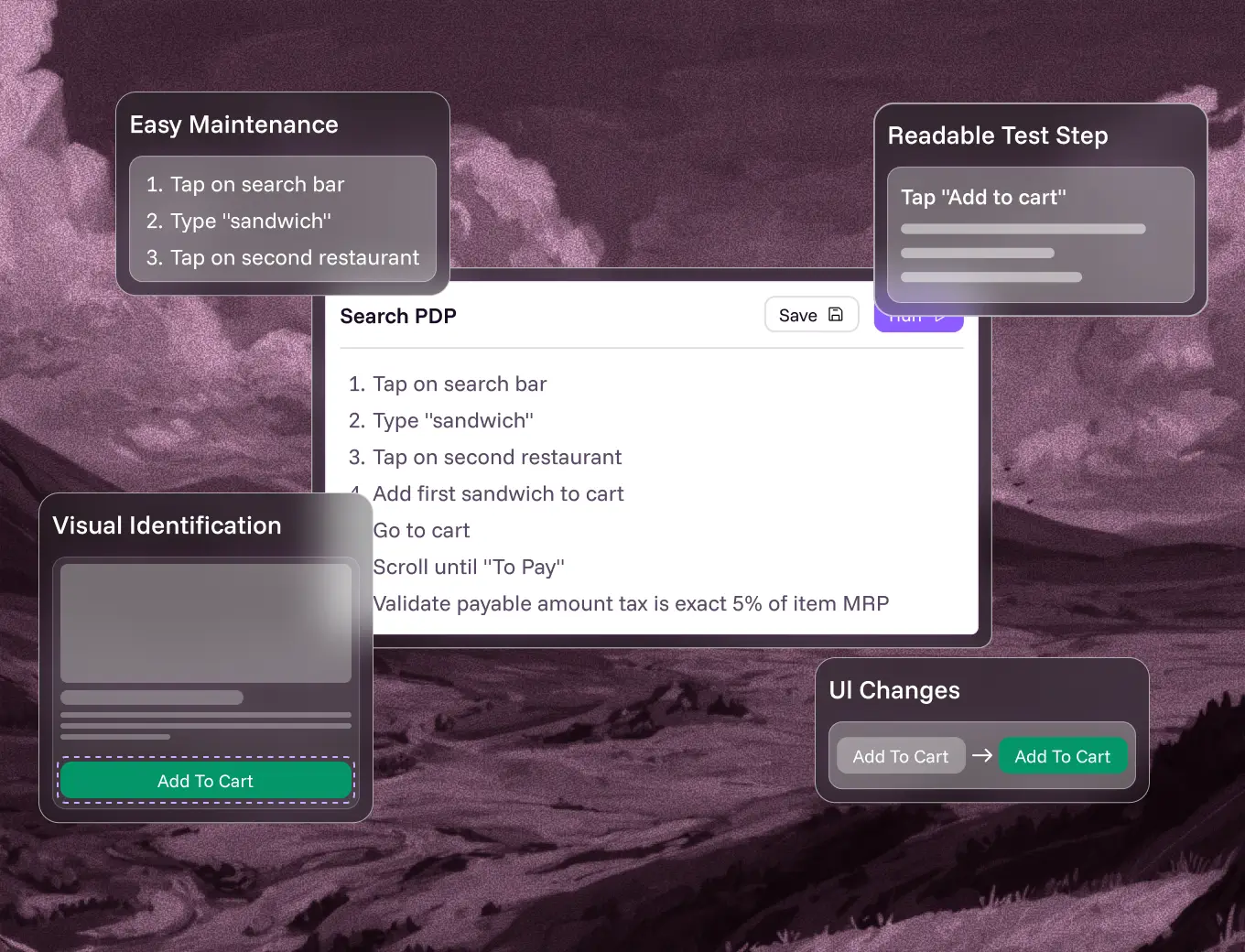
It isn't really codeless — there's code underneath.
Something executes underneath, always. The question is whether you ever have to touch it. If authoring, editing, debugging and maintenance are all codeless, the label holds.
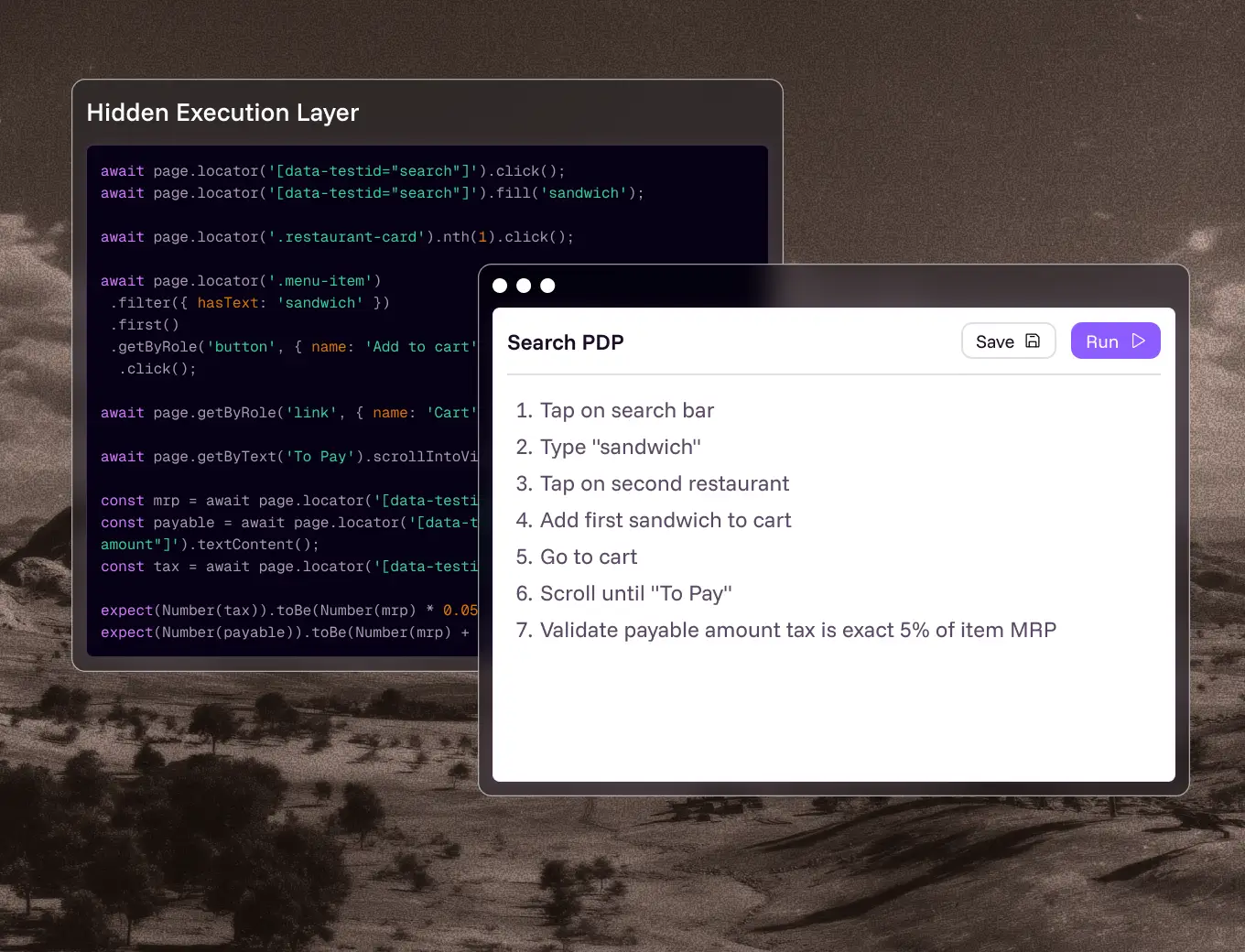
Codeless automation will replace automation engineers.
It replaces the queue, not the role. Engineers stop being a gate on every new test and move to pipeline design, strategy and the technical edge cases that genuinely need them.
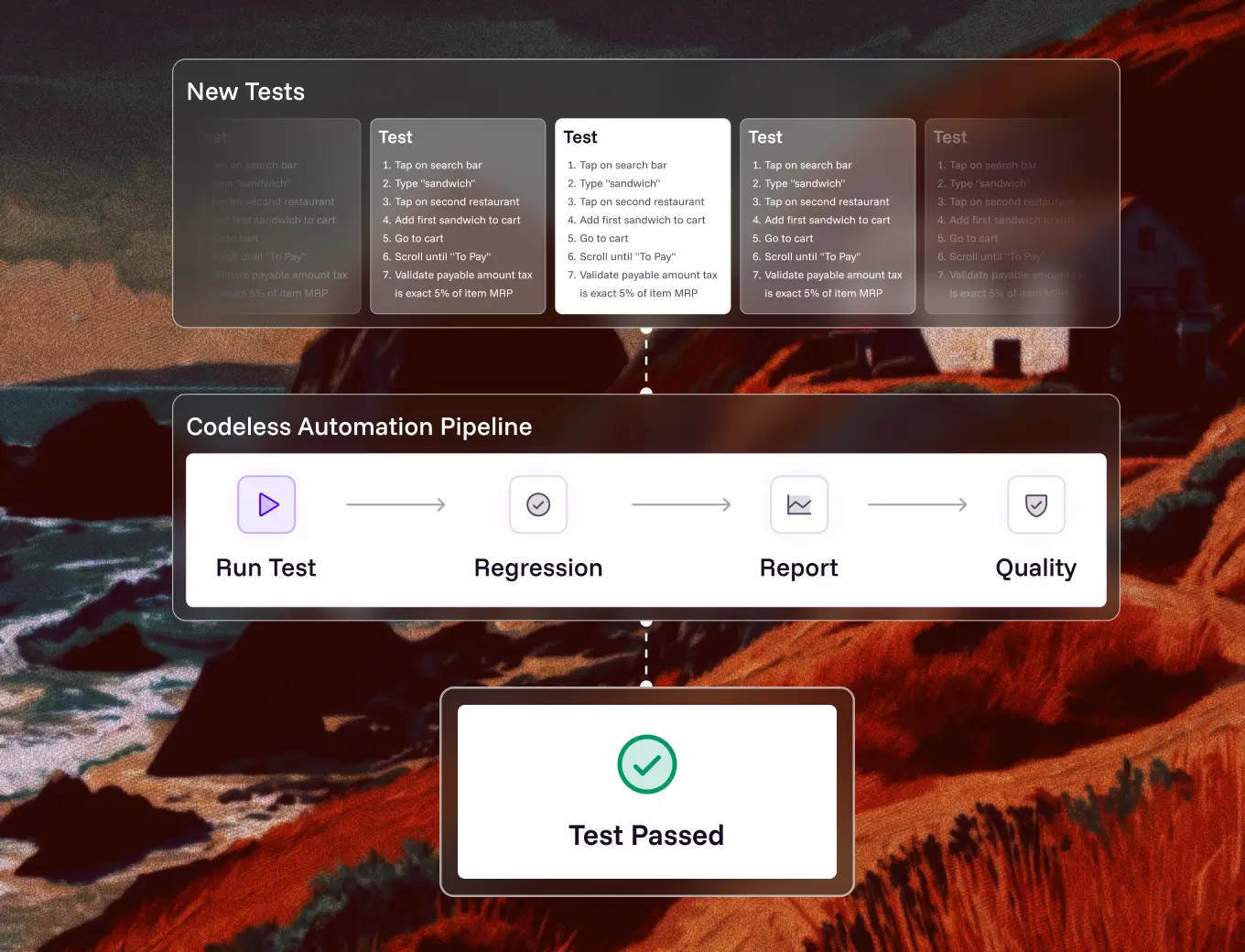
Codeless only works for simple tests.
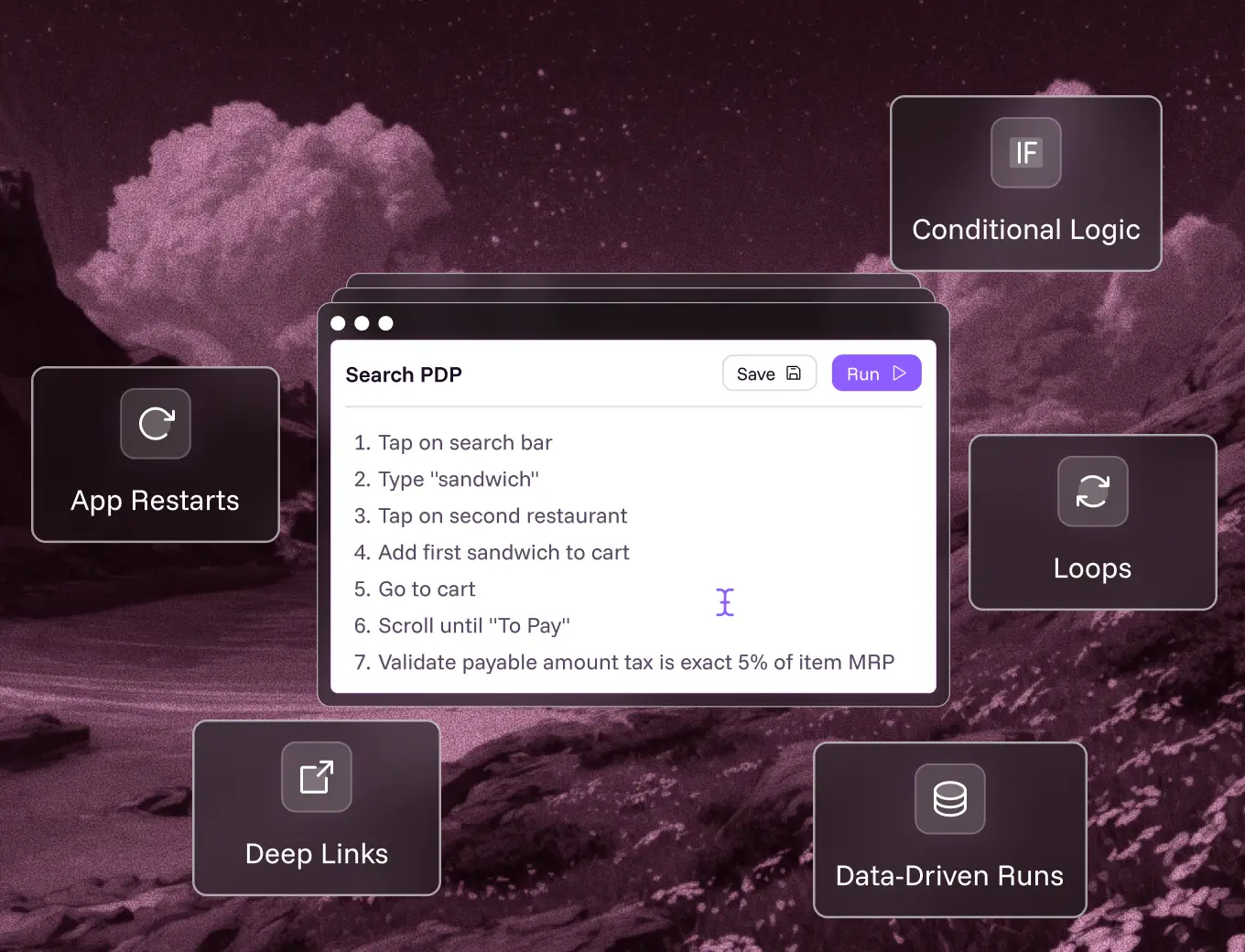
Conditional logic, loops, data-driven runs, deep links, push notifications and app restarts are all achievable codelessly. Complexity of the flow is not the same as complexity of the syntax.
Codeless means giving up CI/CD.
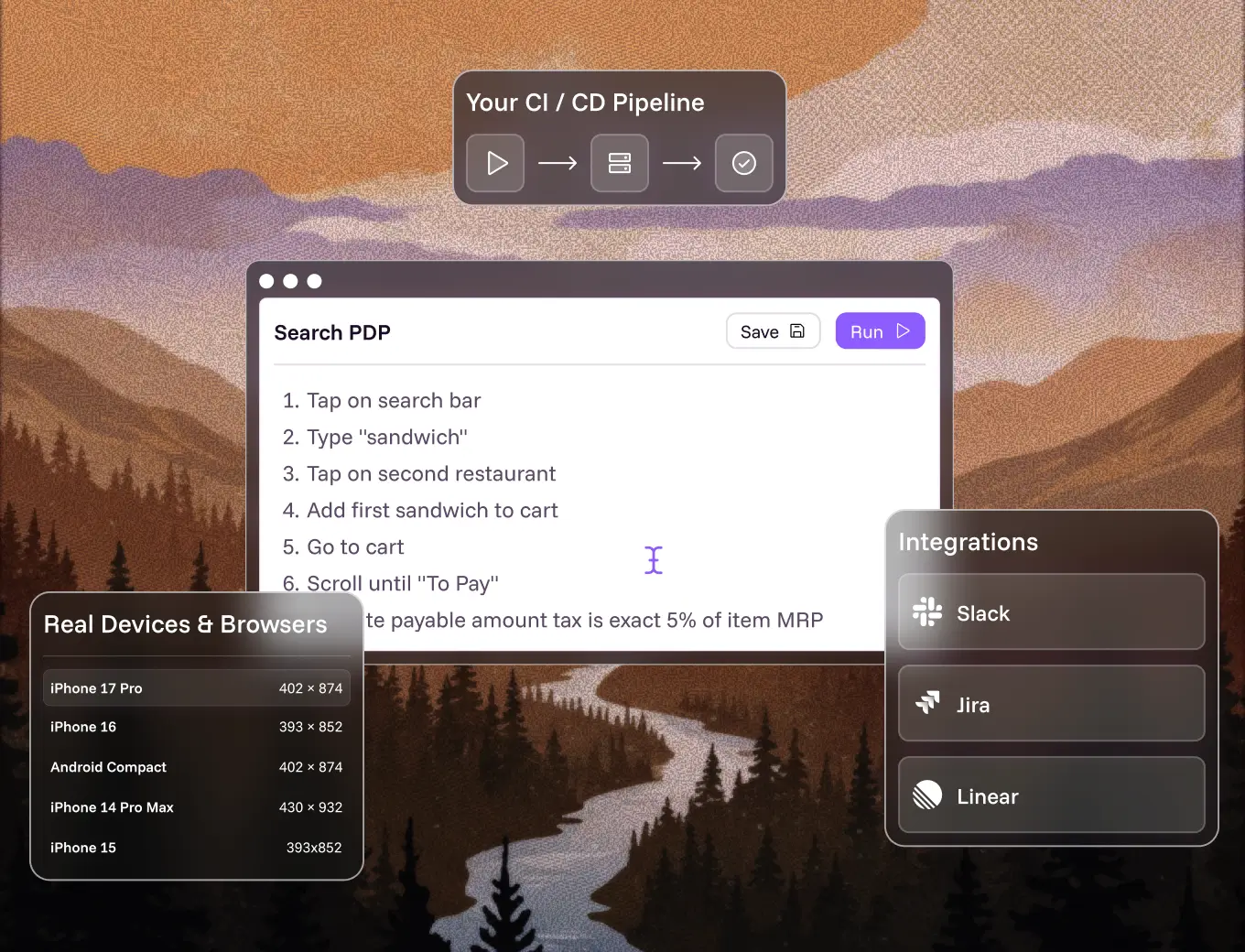
No code automation testing tools run headlessly in pipelines and report back to your existing tooling. Authoring being visual says nothing about how execution is triggered.
The codeless testing tools worth knowing, and what each is honestly strongest at. Most no code testing tools in this category began on web; the mobile-specific options are fewer. If you want automation testing tools without coding for native apps specifically, weight that history heavily.

Codeless mobile test automation for native and hybrid iOS and Android apps. Tests are written in plain English and executed on real devices, with elements identified visually rather than by selector — so there are no locators to maintain and tests self-heal when the UI moves.
Web + mobile

A broad codeless platform covering web, mobile, API, desktop and enterprise applications like Salesforce and SAP. Tests are authored in English-like syntax with AI agents for generation and maintenance. Strongest where a single team needs one tool across many surfaces.
Enterprise web
Drag-and-drop scriptless authoring built on Selenium underneath, part of a wider enterprise continuous-testing platform. Deep reporting and analytics. Its own documentation notes that codeless capability is more mature on web than on mobile.
Web-first
No-code platform with AI-driven self-healing, aimed at making web and mobile testing accessible to non-engineers. Straightforward authoring model and cross-browser coverage.
Enterprise web
Combines NLP-based test creation with cloud execution for web and enterprise applications. Tests are described in plain English; positioning leans toward large-scale enterprise deployments.
mobile
Codeless platform built specifically for mobile applications, using record-and-playback on a real-device cloud with visual testing and CI integration.
SAP / Salesforce
Scriptless automation specialised for SAP, Salesforce and enterprise ERP workflows, with recording that runs across multiple environments.
How to read this list. Most codeless automation platforms began on web and extended to mobile afterwards, which is why their mobile capability lags. If mobile is your primary surface, weight that history heavily — and ask any vendor directly whether elements are identified visually or by selector.For a fuller comparison including code-based options, see best mobile test automation tools and Appium alternatives.
Seven questions that separate a codeless automation platform that holds up at scale from one that only demos well.

Ask to change an existing test during the demo, not just build a new one. If editing drops into code or requires a re-record, the tool is codeless for authoring only — and maintenance is where the hours actually go.

Selector, accessibility ID, or visually? This single answer predicts your maintenance cost more reliably than any feature list. Selector-based tools inherit selector-based fragility no matter how friendly the interface is.

Some tools describe re-running a failed step as self-healing. Genuine self-healing means the step succeeds after the UI has changed. Rename a button mid-demo and watch what happens.

Emulator-only execution won't surface biometrics, camera, GPS, battery or network behaviour. For any release-gating suite on mobile, real-device execution is not optional.

Ask when mobile support shipped relative to web. A platform that added mobile later usually carries web assumptions — DOM-shaped thinking — into an environment that has no DOM.

Screenshots, logs, screen state and step history should arrive attached to the failure. If your developers have to reproduce the bug manually before fixing it, the tool has moved cost rather than removed it.

For regulated environments: on-prem or VPC deployment, SSO and SAML, RBAC, audit logs, and encryption in transit and at rest. Confirm before the pilot, not during procurement.
Built for mobile first, not extended to it. Elements are identified visually, so the maintenance problem doesn't move — it disappears.
Schedule a demo

Describe the flow the way you'd explain it to a colleague. No syntax, no locators, no framework.

Author, edit, debug and maintain without code at any stage. The bottleneck doesn't reappear downstream.

Elements located by what's on screen rather than by identifier. Nothing to rename, nothing to break.

Steps adapt when the UI moves, so a redesign doesn't cost you a sprint of test repair.

Every test runs on real iOS and Android hardware across OS versions and network conditions.

Screenshots, logs, screen state and step history attached to every failure.
Benchmarks, calculators and checklists you can use whether or not you pick Drizz.

How Drizz scored 94.51% on mobile tap accuracy against frontier models. 570 screenshots, 20 apps, open dataset.
Download the report

See what your current suite costs and what Vision AI saves. Four inputs, no signup required.
Run the Numbers

Pre-release checks across functional, UI, performance, security, device, network and accessibility testing.
Get the checklist

11 mobile test automation tools compared on real-device coverage, CI fit and maintenance burden.
Compare tools

Codeless test automation is the practice of creating and maintaining automated tests without writing code. Instead of scripting in Java or Python, testers describe test steps in plain English, drag and drop pre-built actions, or record interactions. The platform converts those steps into executable tests, so anyone who understands the product can automate it.
No-code test automation requires no programming at all; tests are built through natural language, drag-and-drop or recorded actions. Low-code test automation is mostly visual but allows code snippets to be inserted for advanced logic, so it still assumes some scripting ability. Codeless and scriptless are generally used as synonyms for no-code.
No. Record and playback is one early form of codeless testing, but it has a significant limitation: once a test is recorded, editing it usually requires code or a full re-recording. Modern codeless test automation lets you author, edit and maintain tests without code, which record-and-playback tools never did.
Web pages expose a DOM, which gives codeless tools a stable structure to target. Native mobile apps do not. Elements are rendered by the platform, accessibility IDs are often missing or duplicated, hybrid apps switch between native and web contexts, and the same build renders differently across thousands of device models. That is why most codeless platforms are more mature on web than on mobile.
It depends on how the tool identifies elements. Codeless tools built on selectors underneath still break when the UI changes, so the maintenance simply moves rather than disappearing. Tools that identify elements visually, and that self-heal when layouts shift, remove most of that maintenance because there are no locators to update.
No, and it should not. Exploratory testing, first-impression usability judgment and tests with complex third-party dependencies still need a person. Codeless automation is best applied to repeated work: regression suites, critical-path flows and anything run on every build across multiple devices.
Not for authoring. The point of codeless test automation is that manual QAs, product managers and support engineers can build tests using their product knowledge. Automation engineers remain valuable for pipeline design, test strategy and complex integrations, but they stop being the bottleneck for every new test.
Check whether tests can be edited codelessly, not just created; whether the tool identifies elements visually or by selector; whether self-healing is genuine or just a retry; whether it executes on real devices; whether it integrates with your CI pipeline; and whether reporting gives enough evidence to debug a failure without reproducing it manually.
Yes, provided the platform meets enterprise requirements: on-prem or VPC deployment, SSO and SAML, role-based access control, audit logs, and encryption in transit and at rest. Drizz supports all of these and is used by teams in financial services and healthcare.
Yes. Because Drizz reads the screen visually rather than relying on platform-specific selectors, the same plain-English test runs on both iOS and Android at 1.0× effort, compared with roughly 1.8× on selector-based frameworks.



©Drizz 2026 • All Rights Reserved




