•
Drizz raises $2.7M in seed funding •
•
Featured on Forbes
•
Drizz raises $2.7M in seed funding •
•
Featured on Forbes

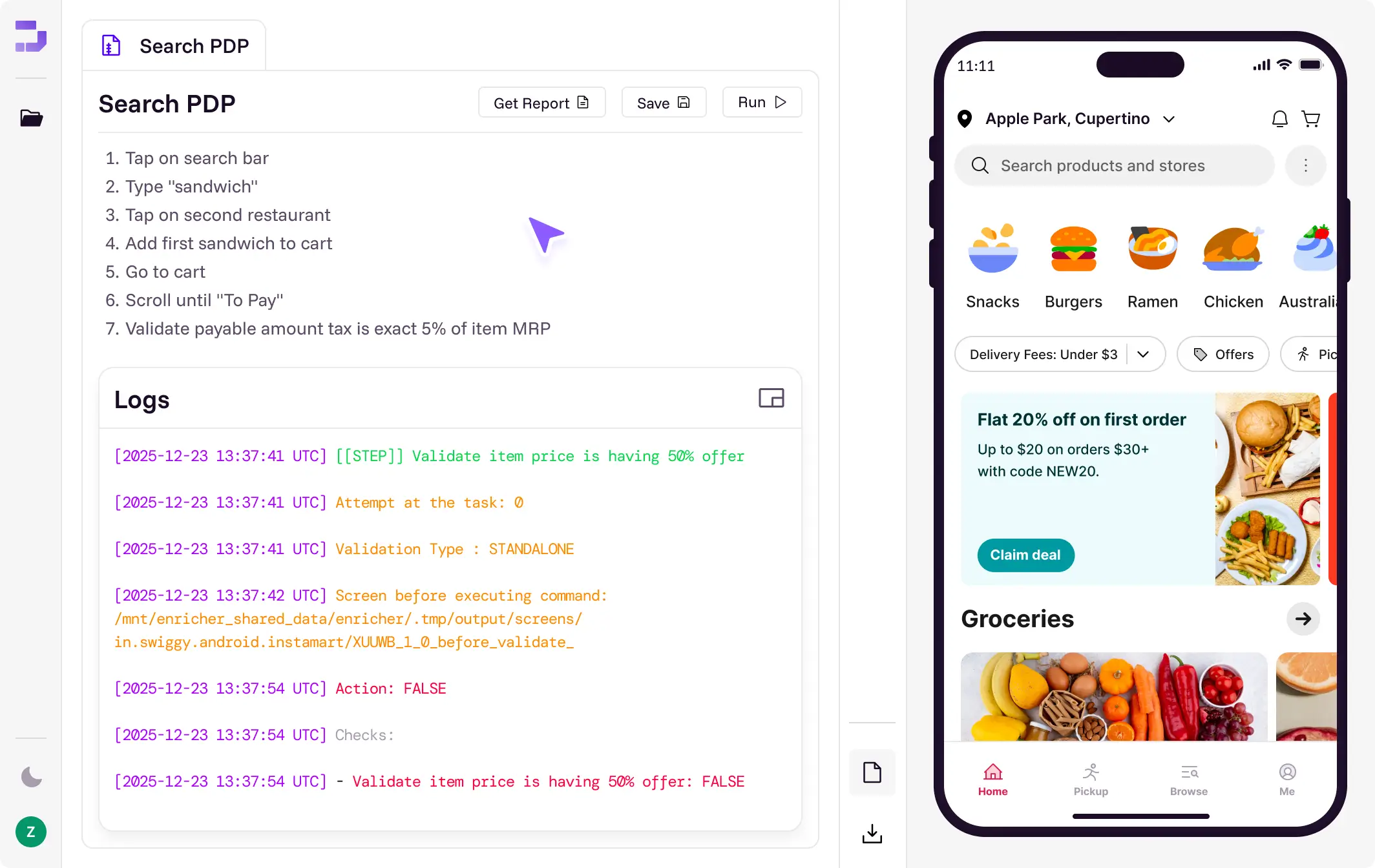
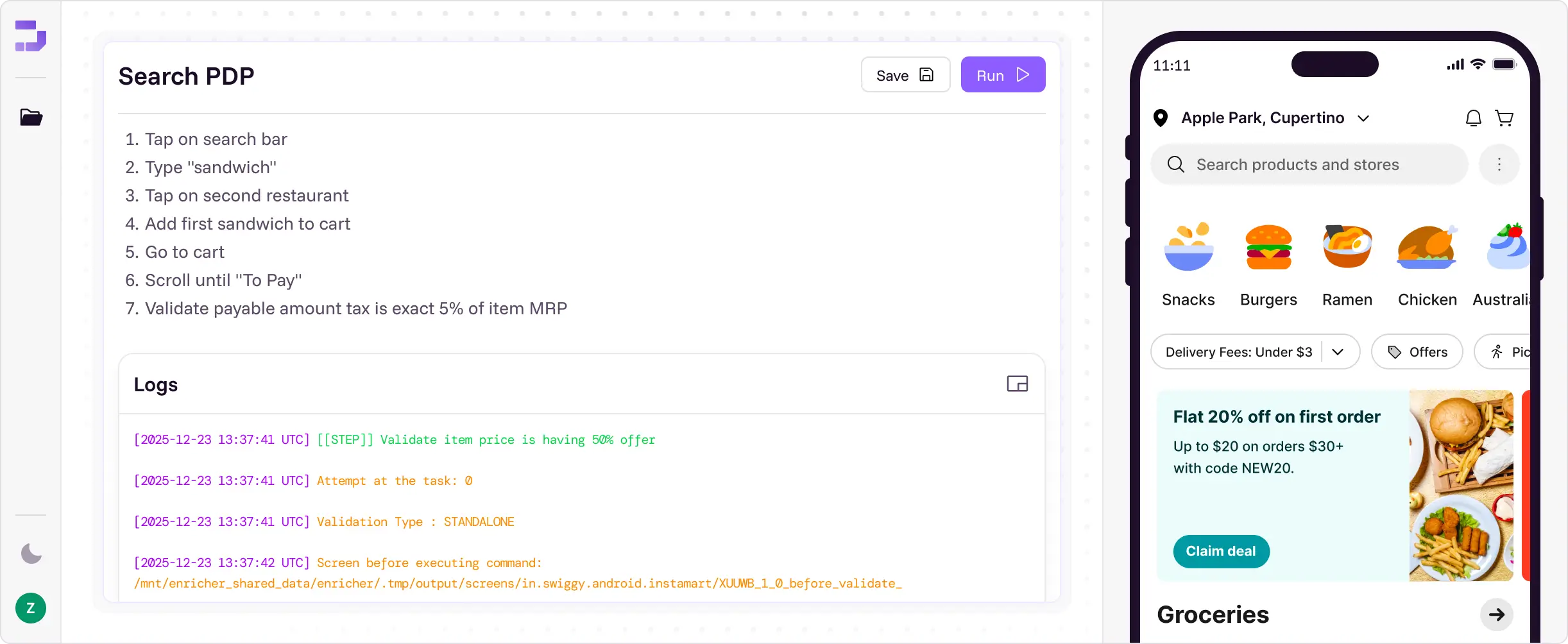
Describe the flow in plain English. Drizz's agents run it on real iOS and Android devices, fix it when your UI moves, and hand back the failure already debugged.

Schedule a demo
Rather try it yourself? Download for Mac
Trusted by mobile teams at








Mobile app testing means validating your app on the devices and OS versions your users actually run. Here's what it covers, why it's harder than web, and how teams automate it without maintaining selectors.
Schedule a demo

Mobile app testing is the process of validating a mobile application's functionality, usability, performance, security and accessibility across the real devices and operating-system versions your users actually run. The goal of testing mobile applications is simple: catch the crash, the broken checkout or the truncated screen before your users do.

Mobile application testing spans two motions: manual testing, where a person explores the app, and automated mobile testing, where software drives the app through predefined flows on every build. Modern teams do both, and increasingly lean on mobile automation testing to keep pace with weekly releases.
Automate mobile testing without writing code

On mobile, that matters more than on web. App-store review gates every fix, so a bug that ships stays shipped for days. And uninstall rates stay stubbornly high — performance and stability problems are among the leading reasons users abandon an app within the first month.

Mobile app testing targets native and hybrid apps installed from the App Store or Google Play, where device hardware, OS versions, permissions and app lifecycle events all matter. Drizz is purpose-built for that native and hybrid surface — the place selector-based tools struggle most.

Because the cost of a mobile bug is asymmetric. On web, you push a fix and it's live. On mobile, a broken build sits in app-store review while every user who opens the app hits the same defect. A single failed checkout screen can cost a week of revenue before the patch clears.

Because store ranking depends on it. Google Play holds apps to defined Android vitals thresholds for crash rate and ANR rate. Exceed them and your app becomes less discoverable. Mobile app testing is a distribution issue, not only a quality one.

Uninstalls are permanent. A user who hits a crash on first launch, rarely comes back. Performance & stability problems are leading reasons apps get deleted soon & reacquiring that user costs far more than the test that would have caught the bug.
Click here to learn about onboarding flow testing

Because your users aren't on your device. The build that works flawlessly on the developer's phone is one configuration out of thousands. Testing mobile applications properly means testing across the OS versions, screen sizes and network conditions your actual users have.
Mobile testing is harder than web testing for reasons that have nothing to do with tooling preference. These are the eight that consume most QA capacity.
Schedule a demo

Android spans tens of thousands of distinct device models, each with its own screen size, OS build, manufacturer skin and quirks. A layout that renders correctly on one flagship can truncate on another mid-range handset.

iOS and Android both maintain multiple live versions with different permission models, lifecycle behaviour and rendering. A test suite that passes on the newest OS says nothing about the version half your users are running.

Payment SDKs, analytics, auth providers and maps all sit inside your app but outside your control. When a provider ships an update, your flows can break without a single line of your own code changing.

Biometrics, camera, location and notification permissions all gate real user journeys. Testing them requires real hardware; permission dialogs behave differently across OS versions and cannot be reliably faked.

An app that drains battery gets uninstalled regardless of how well its features work. Background activity, wake locks and inefficient polling only surface under sustained real-device use.

Load times and responsiveness change with network quality, device age and available memory. Mobile performance testing on an idle emulator over office wifi tells you almost nothing about production.

Low storage, cleared cache, offline mode and interrupted syncs each produce distinct failure paths. These are the states users hit constantly and test suites cover least.

Apps that change based on GPS, region or locale need testing across those variations. Truncated translations, RTL layouts and region-gated features fail in ways that only appear on a device set to that locale.
.svg)
A complete mobile application testing strategy layers several test types. Drizz automates the ones that consume the most QA time — across native and hybrid apps alike.
Schedule a demo
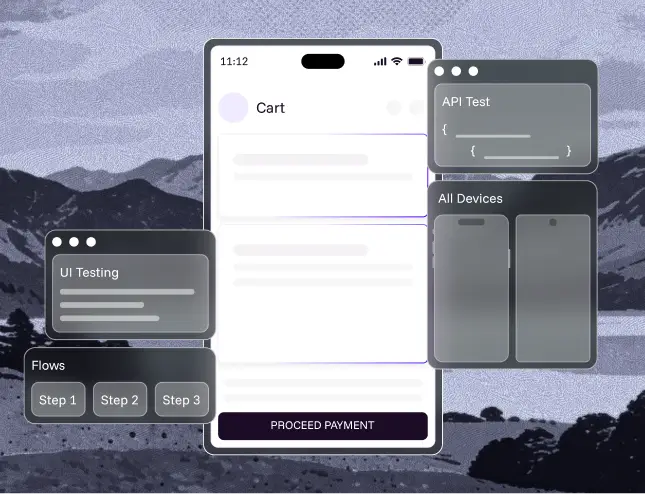
Verify login, search, payments and checkout behave correctly on every build and every device.
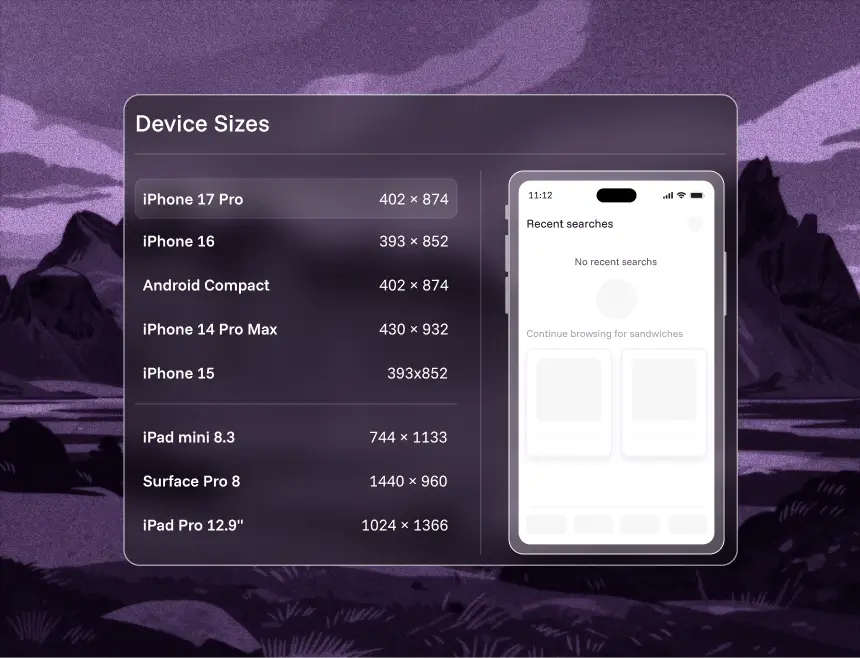
Android spans tens of thousands of distinct device models. Drizz runs the same test across that matrix without per-device scripting.
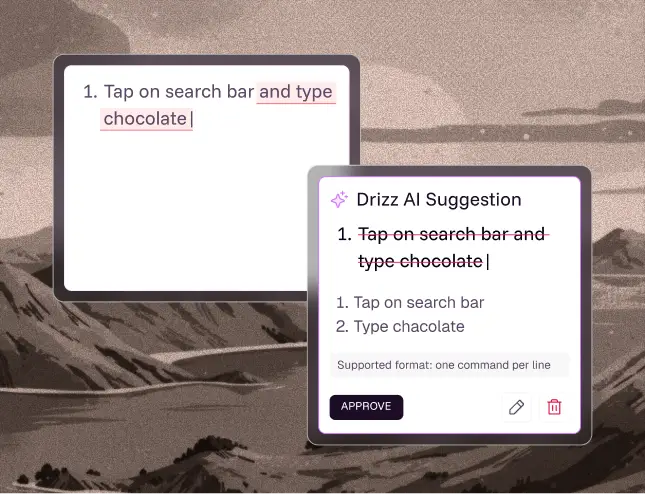
Re-run the full suite on every release automatically. Self-healing keeps it green without manual upkeep.
Compare regression testing tools
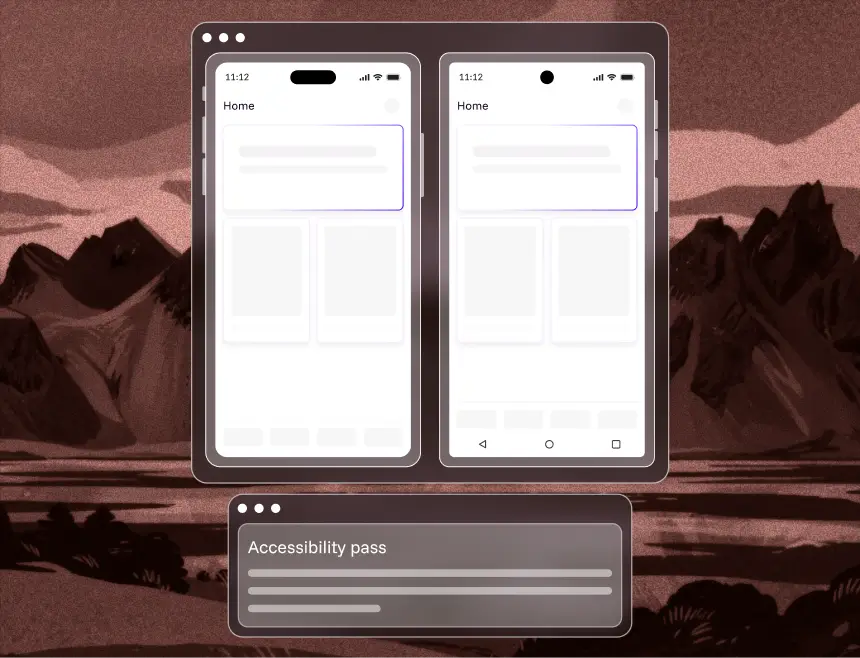
Built-in accessibility checks on every flow, validating screen-reader labels and contrast on real devices.
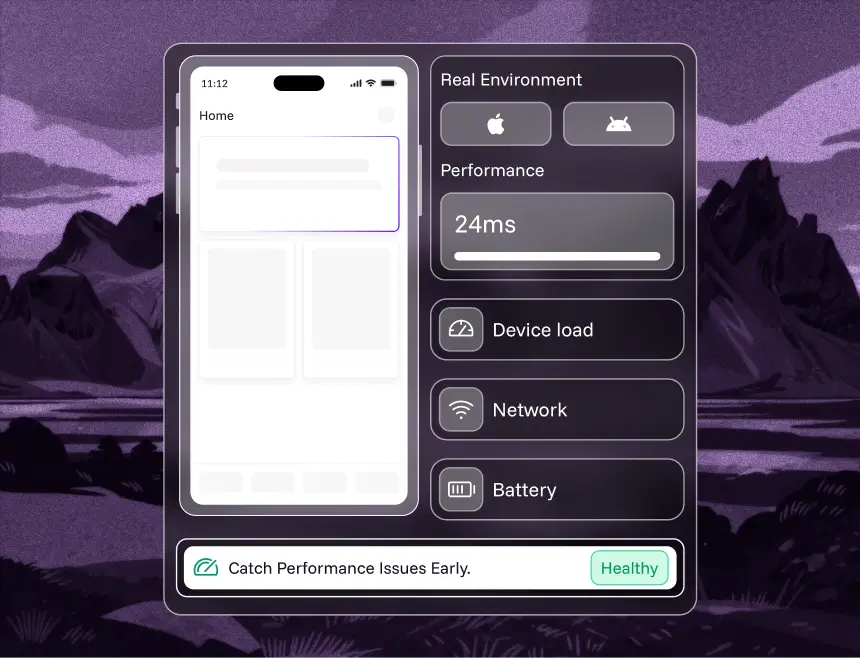
Load times, responsiveness, memory and battery under real conditions. Google Play holds apps to defined vitals thresholds, so performance affects distribution, not just experience.
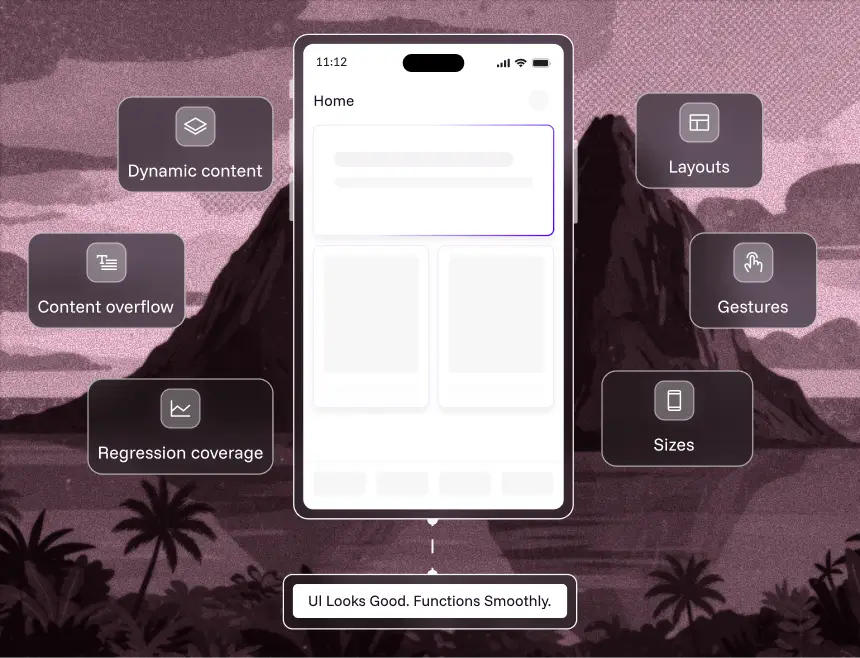
Confirm layouts, gestures, dark mode and dynamic content render correctly across screen sizes — the regressions selector tests miss.
How it works
Mobile automation testing replaces manual tapping with a tool that drives the app on a real device and checks the result. Whatever the platform, the sequence is the same four stages, and the differences between tools show up in how each stage is handled.
STAGE 01
A flow is described as steps: open the app, sign in, add an item, check the total. Traditional frameworks express these in code. Drizz takes them in plain English, so the people who know the product can write them.
STAGE 02
The tool has to find the button before it can tap it. Selector-based frameworks look up an accessibility ID or XPath, which breaks when developers change it. Vision AI matches what is rendered, the way a tester would.
STAGE 03
Steps run against a real iOS or Android device, or an emulator for early checks. Real devices expose what simulators hide: biometrics, camera, GPS, battery behaviour and genuine network conditions.
STAGE 04
Every step returns a pass or fail with a screenshot and logs. The useful question on a failure is whether the app broke or the test did, which is what failure reasoning is there to answer.
Tools
Most tools fall into one of four groups. The right one depends less on feature count than on who writes the tests and how often your UI changes.
Drizz, testRigor, Sofy. Tests written in plain English and executed visually, so they survive UI changes. Suited to teams where maintenance has become the bottleneck.
Appium, Espresso, XCUITest, Detox, Maestro. Free and precise, but selector-based, so they need engineers to write and to repair.
BrowserStack, Sauce Labs, AWS Device Farm. They supply the devices, not the tests. You still need a framework to run on them.
Katalon, Testsigma, Perfecto. A visual builder with a scripting escape hatch, usually running on Appium underneath.
Four steps from build to passing suite. No framework setup, no device lab to provision, no automation engineer required.

1/4
Connect your build and start instantly.

2/4
Write steps the way you use your apps.

3/4
Real-device runs that adapt in real time.

4/4
Every failure comes fully unpacked.

Manual testing is irreplaceable for exploratory work and first-impression judgment.
Automated mobile testing wins everywhere else: regression, cross-device runs, and anything repeated every sprint.
The catch with legacy automation is maintenance. Selector-based scripts break constantly, so teams spend more time fixing tests than writing them.
With no selectors, there is nothing to break when a developer renames a button.

Emulators and simulators are fine early in development.
They can't reproduce real hardware behaviour — biometrics, cameras, GPS, battery drain, network fluctuation, or the exact rendering your users see.
Drizz executes on real devices across OS versions, screen sizes and network conditions.
Results reflect production rather than an approximation of it.
What separates a suite your team trusts from the one they quietly stop running.

Incoming calls, backgrounding, cold starts, lost connectivity, low storage, and permission prompts are common on mobile but rare in test suites, exactly where production bugs hide.
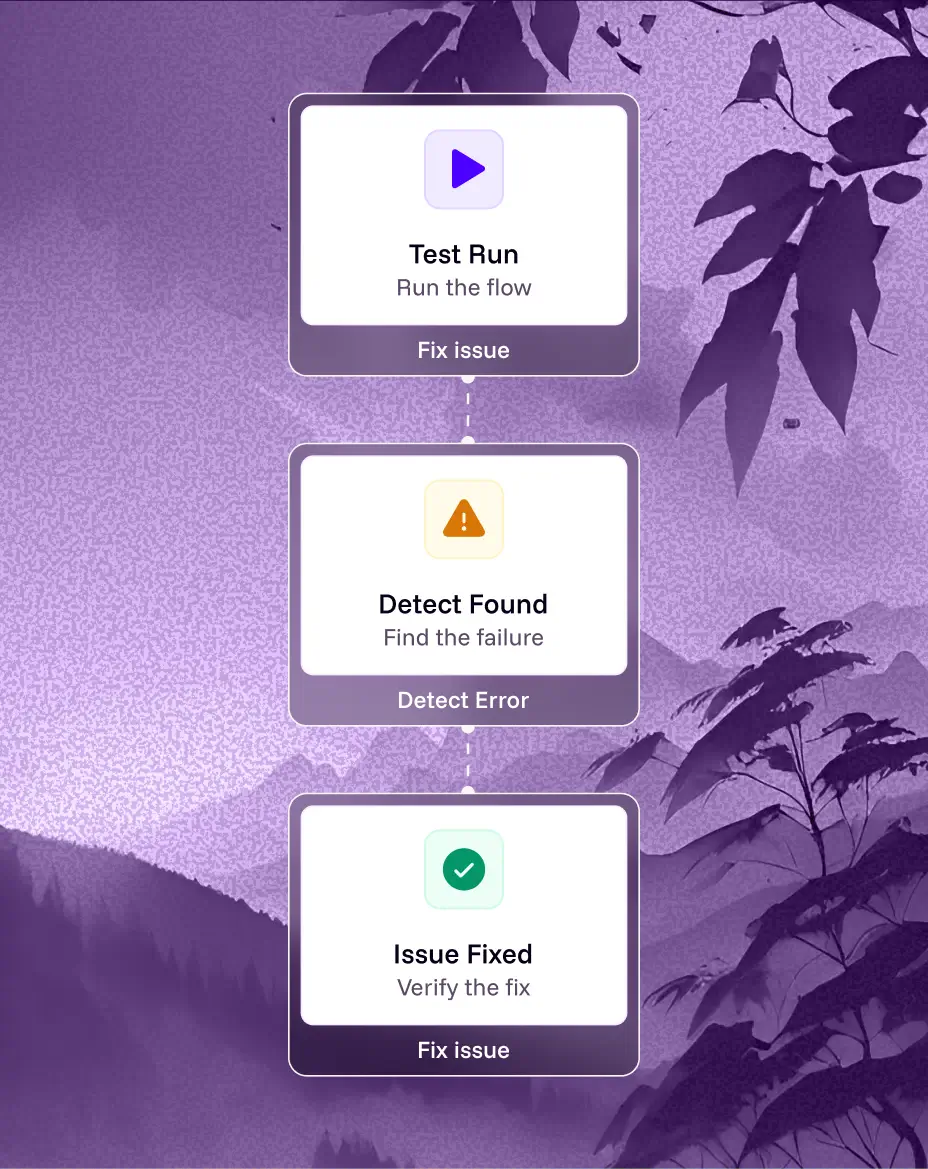
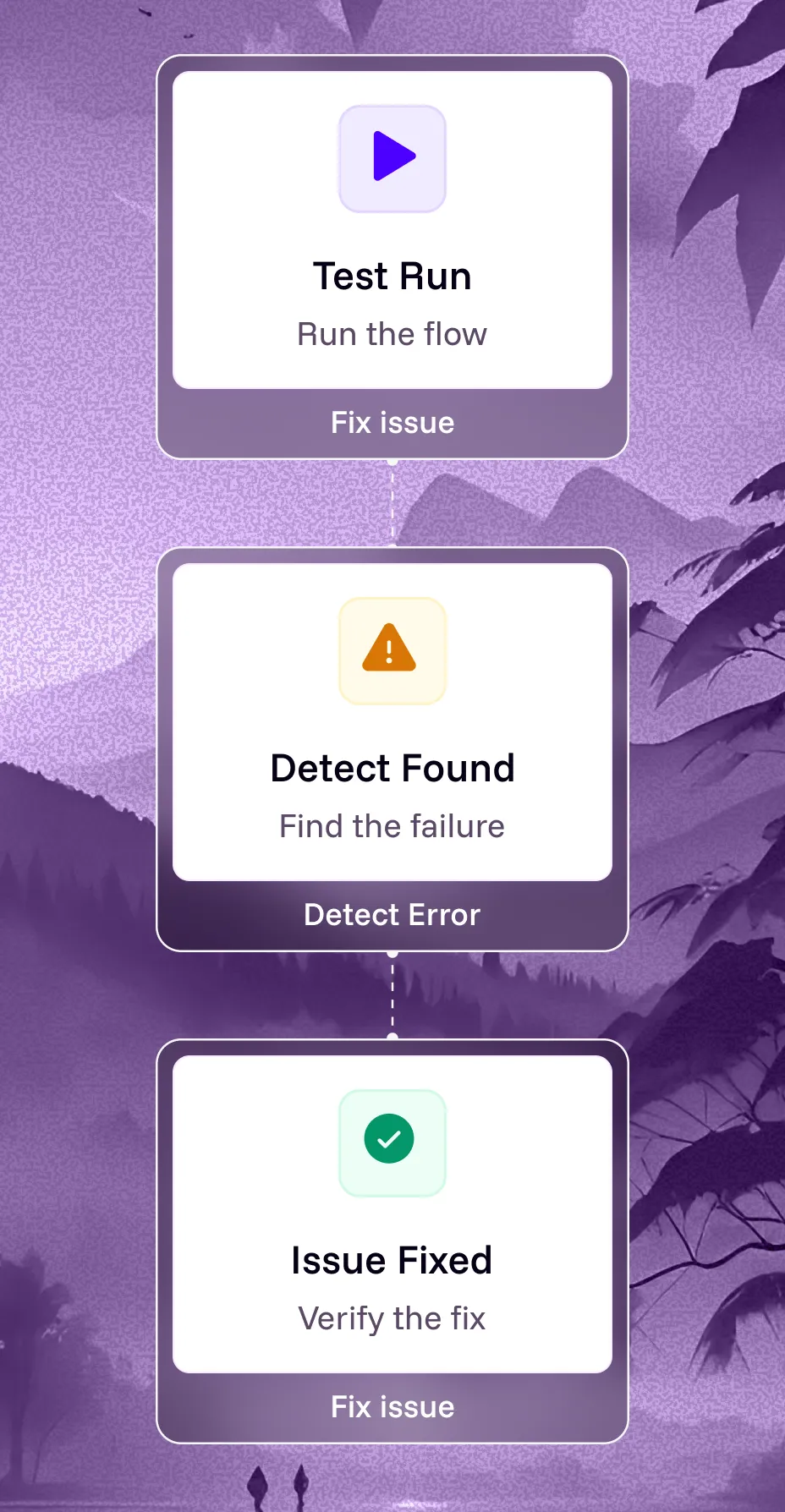

Login, search, checkout and payment should run on every build, not weekly. The flows that earn revenue are the ones worth catching early, while the change that broke them is still fresh.

Pull the OS versions and device models your users actually run, then cover the top 80%. Don’t rely on whatever devices the team owns.

Emulators are fine for early development. Release-gating tests should run on real devices, where biometrics, camera, GPS, battery, and network behavior are realistic.

Capture screenshots, logs, screen state and step history on every run. Most time lost to a failed test is spent reproducing it, not fixing it. If the evidence is already attached, that cost disappears.

A suite with 15% flakiness trains your team to ignore red. Track flakiness as a metric with an owner. If a test fails randomly, either fix it or delete it — leaving it in place is worse than having no test.

A test like “complete checkout with the saved card” survives redesigns; one tied to element IDs often breaks. That difference drives a major share of mobile test maintenance & hence choosing the correct test automation framework becomes imperative
See how Drizz outperforms traditional testing on every critical metric



We built UI-TapBench — 570 annotated screenshots from 20 real production apps — and open-sourced it under Apache 2.0. Across a 15-step flow, the gap below decides whether a suite passes at all.
Check Benchmark Report
1/6
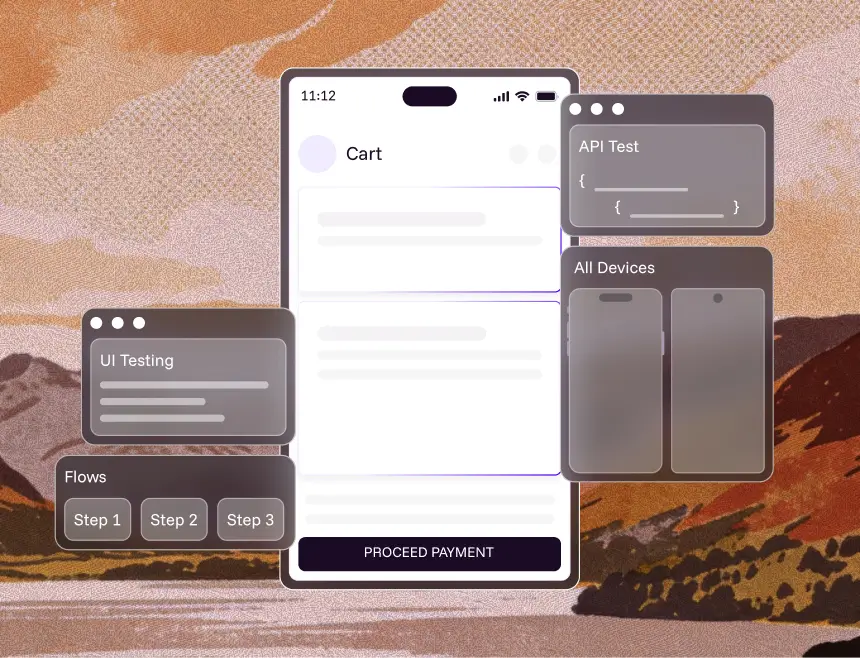
One platform to test UI, APIs, flows, Multiple OS versions, form factors and complex journeys—on real devices, with zero maintenance.
2/6
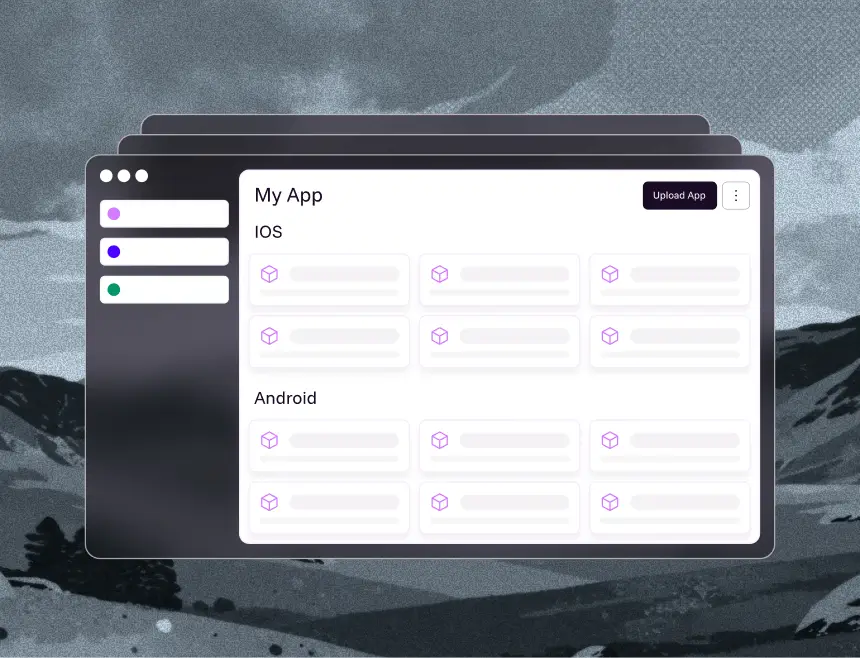
A single home for everything your testing depends on.Apps, builds, test plans, devices, environments — no more fragmentation.
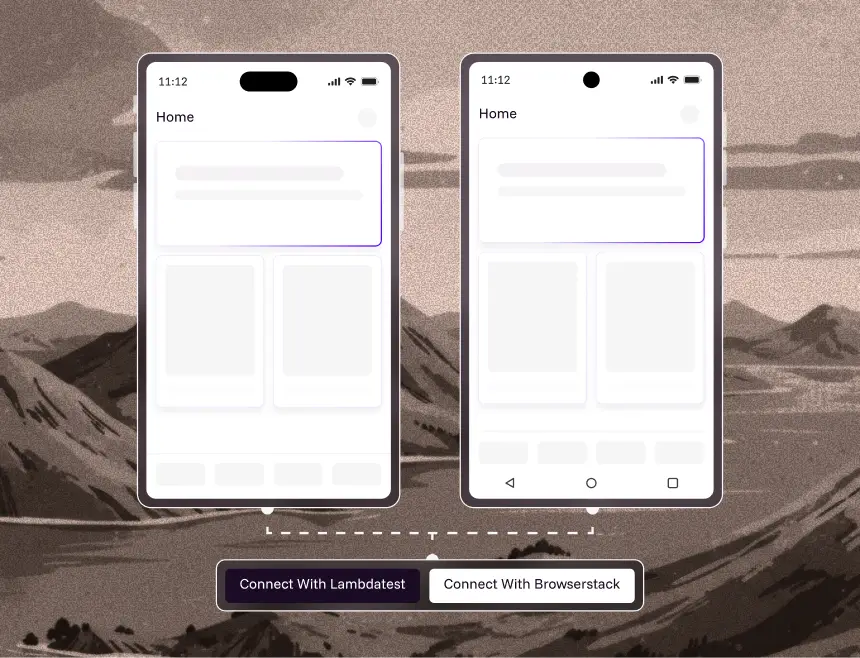
3/6
Run your tests where your users actually are.
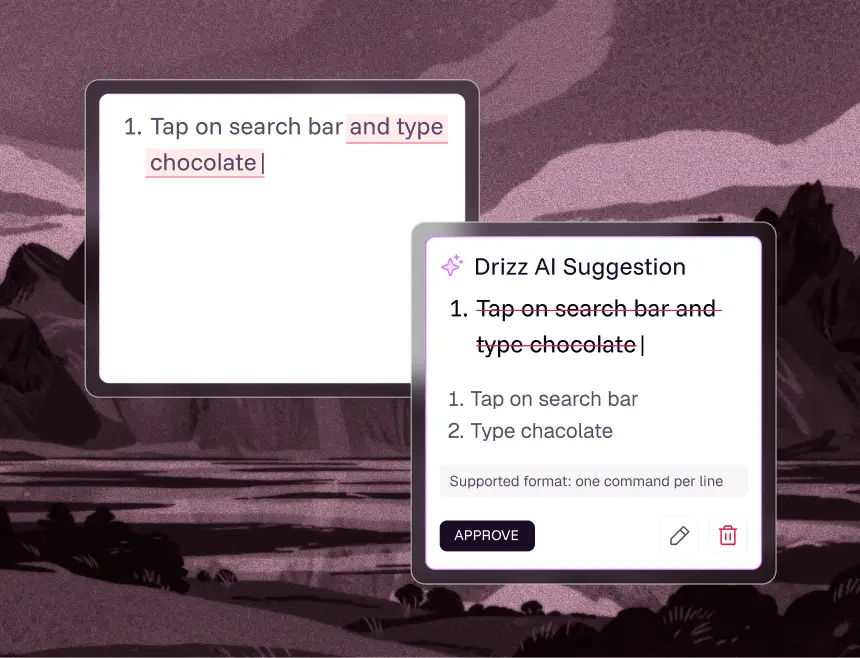
4/6
Tests that repair themselves automatically.
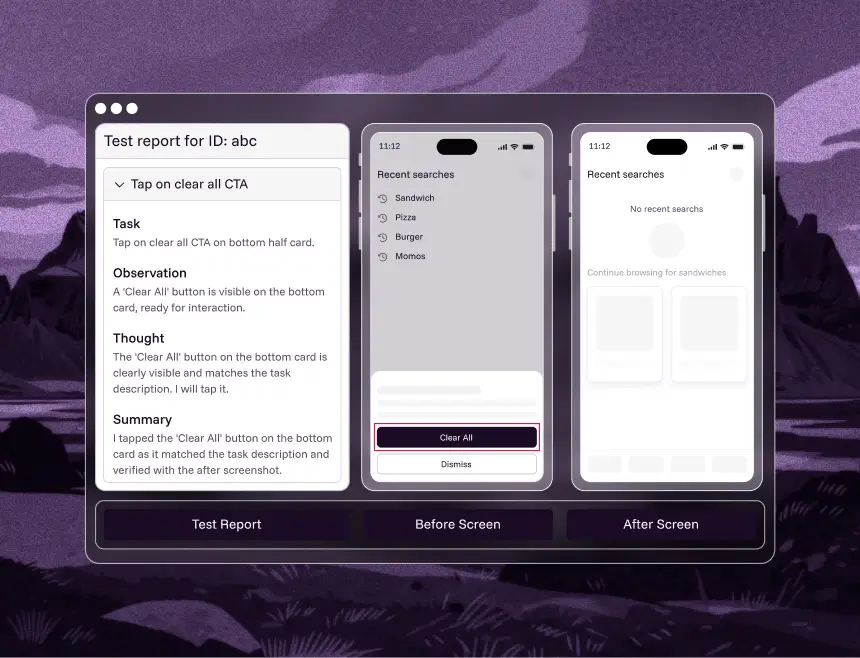
5/6
Every failure comes pre-explained.
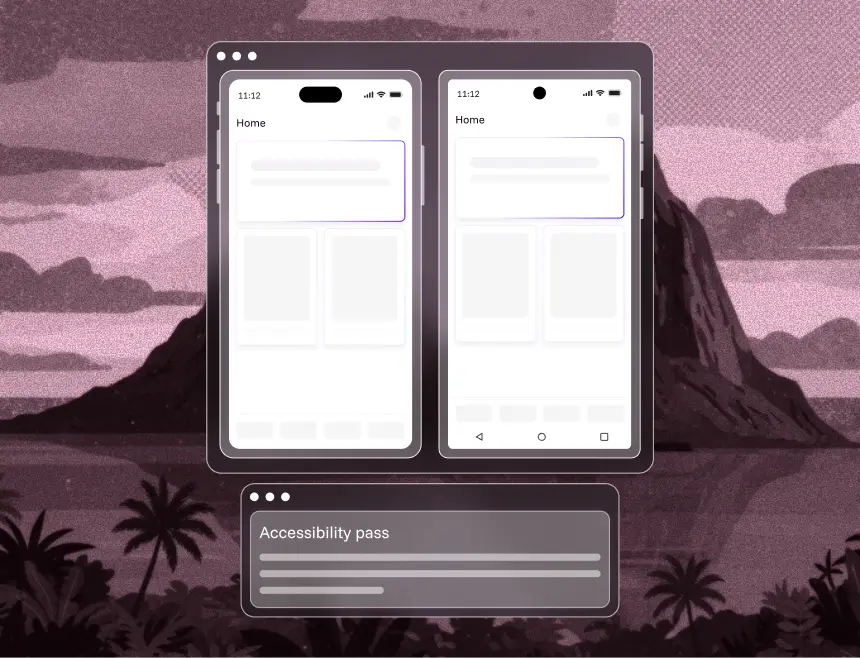
6/6
Ensure every flow is accessible.
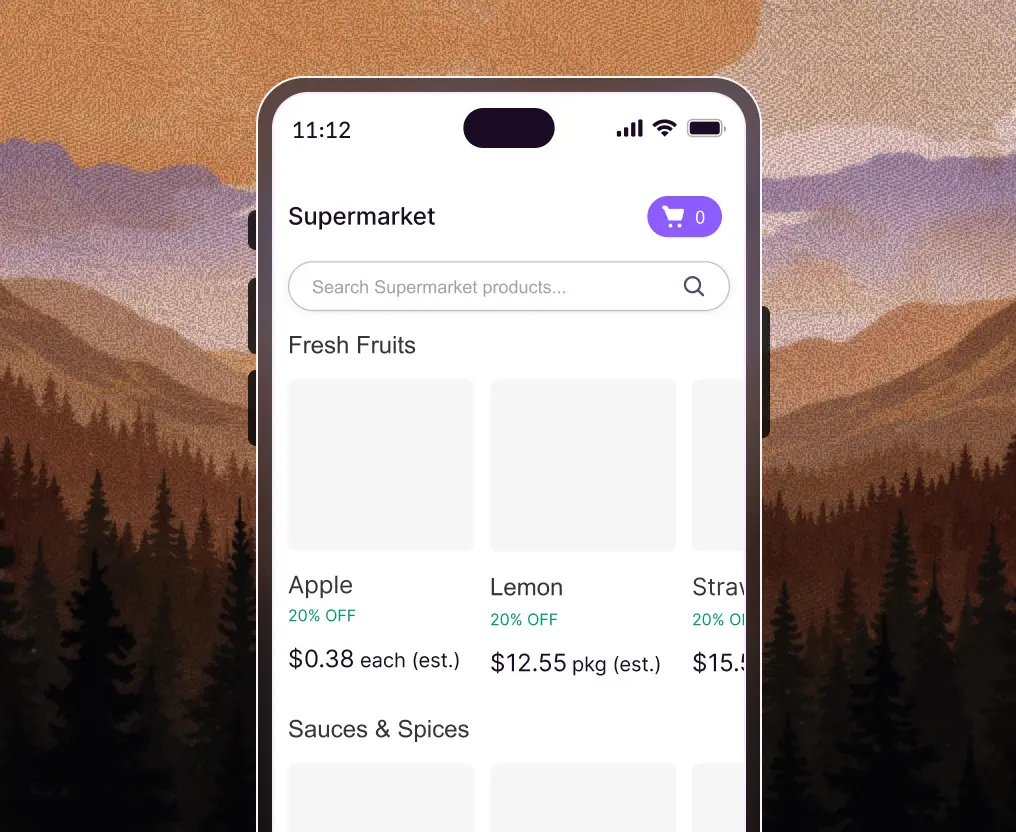
Drizz validates checkout, search, cart, payments, recommendations and delivery flows in minutes, catching UI failures and logic breaks before customers hit them.
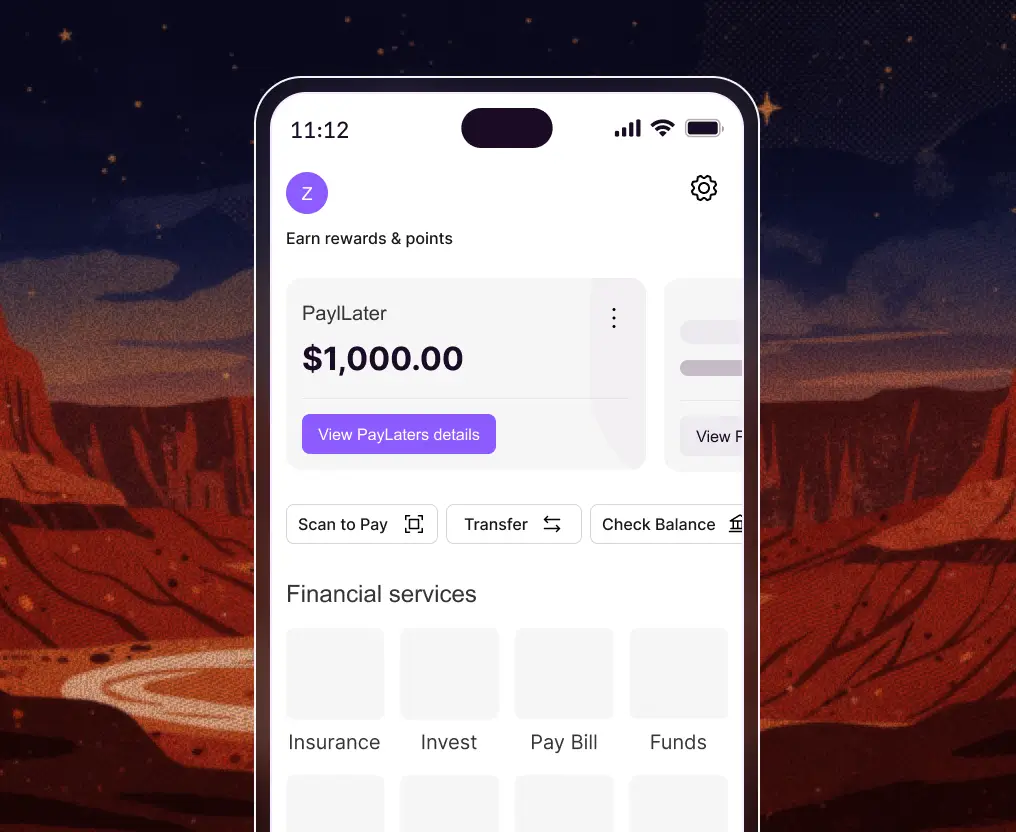
Drizz catches critical failures in KYC, login, payments, transfers, UPI flows, wallets and dashboards before users ever experience them.
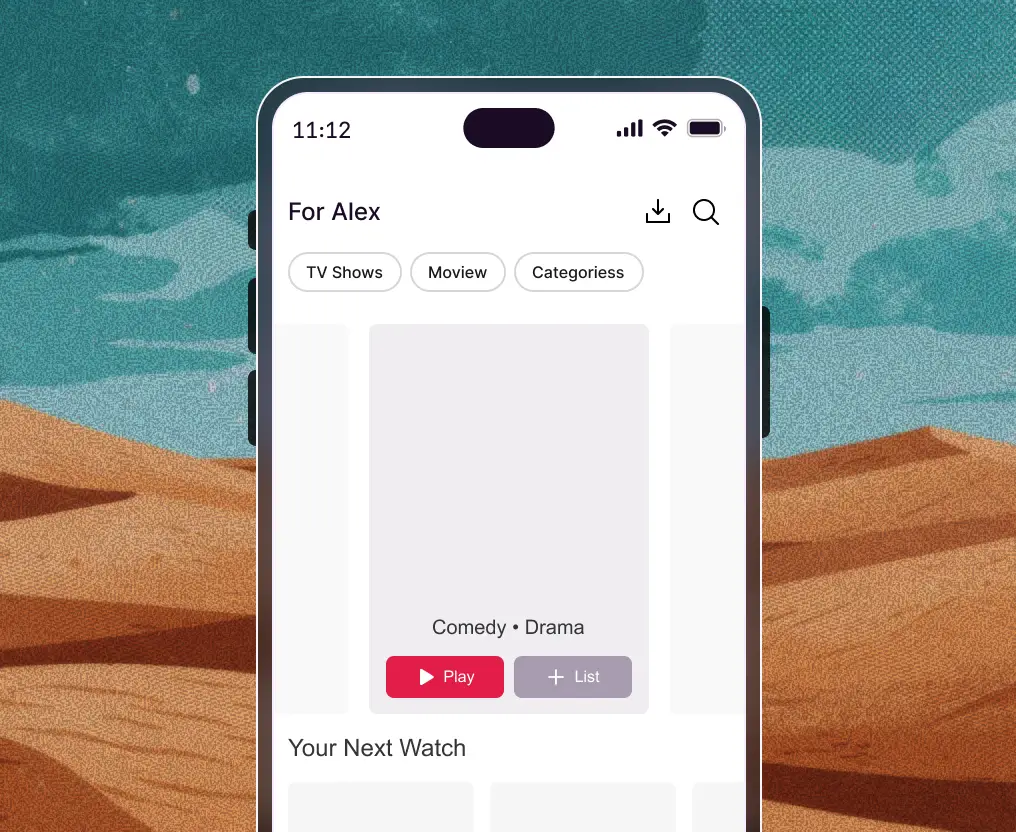
Drizz tests video playback, content loading, onboarding, subscription flows and player controls across device types, networks and OS versions.
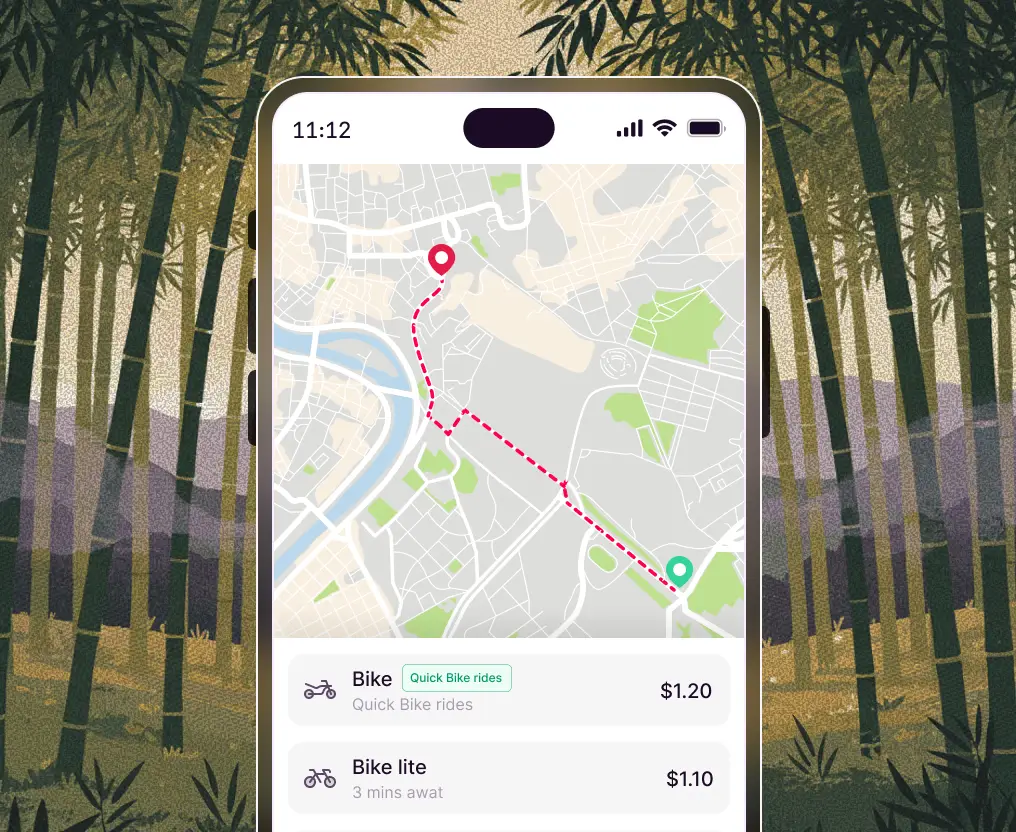
Drizz validates real-time map rendering, gestures and navigation behavior across dynamic states. Test panning, zooming, live route updates, markers and location-driven UI changes under real-world conditions.
Drizz validates onboarding, goal setup, workout logging, subscription flows, scheduling, sensor states and other integrations.
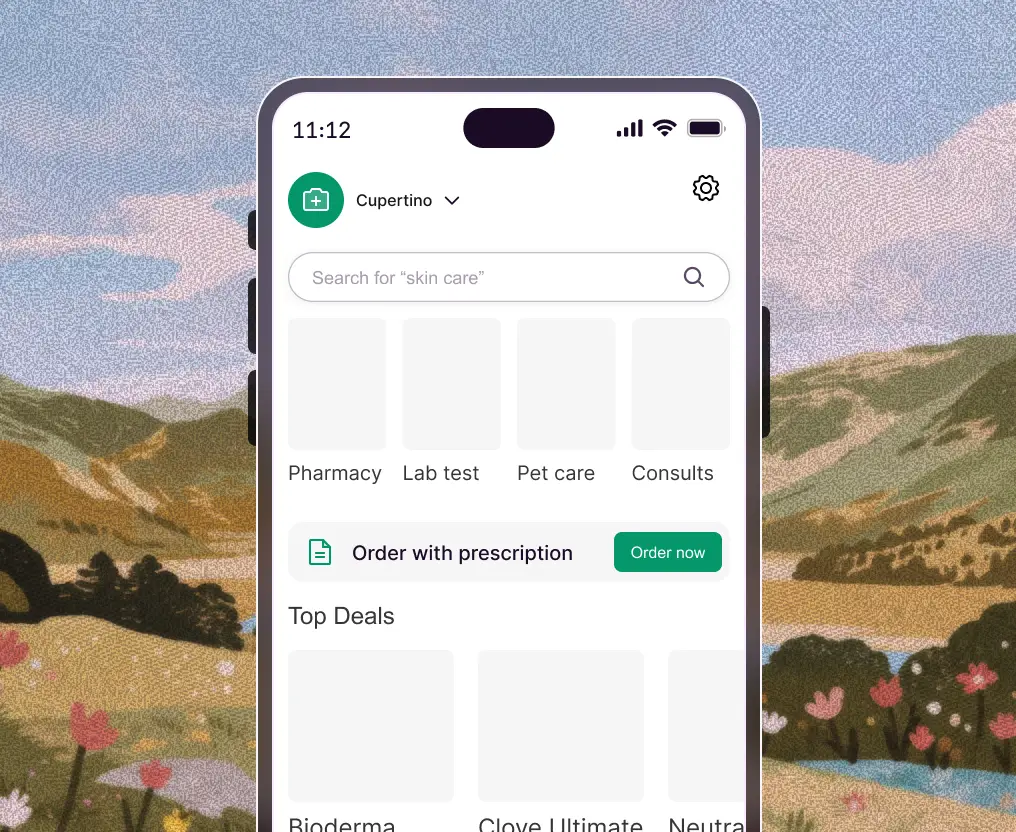
Built to complement modern engineering practices, Drizz aligns effortlessly with current dev, QA and CI/CD pipelines.












Benchmarks, calculators and checklists you can use whether or not you pick Drizz.

How Drizz scored 94.51% on mobile tap accuracy against frontier models. 570 screenshots, 20 apps, open dataset.
Download the report

See what your current suite costs and what Vision AI saves. Four inputs, no signup required.
Run the Numbers

Pre-release checks across functional, UI, performance, security, device, network and accessibility testing.
Get the checklist

11 mobile test automation tools compared on real-device coverage, CI fit and maintenance burden.
Compare tools

Mobile app testing is the process of validating a mobile application's functionality, usability, performance, security and accessibility across real devices and OS versions before release. It combines manual testing with automated mobile testing to catch defects users would otherwise find first.
Mobile app testing targets native and hybrid apps installed from the App Store or Google Play, where device hardware, OS versions, permissions and app lifecycle events matter. Drizz is purpose-built for native and hybrid mobile app testing on real devices.
No. Tests are written in readable, natural language. Drizz's Vision AI interprets the screen and executes the flow on real devices, so no selectors or XPath are required. Advanced users can still build complex workflows when needed.
Yes. Drizz supports automated testing for both Android and iOS apps on real devices. Because Vision AI reads the screen rather than platform-specific selectors, the same test runs on both platforms at 1.0× effort.
Emulators cannot reproduce real hardware behaviour such as biometrics, cameras, GPS, battery drain and network fluctuation. Drizz executes tests on real devices with different OS versions, screen sizes and network conditions for production-level validation.
Drizz uses adaptive wait logic powered by state detection instead of static timers. The engine detects expected UI conditions before executing the next step, eliminating flakiness caused by timeouts.
Yes. Drizz supports deep links, background and foreground transitions, cold starts, push notification validation, and state-based branching logic within tests.
The engine detects list boundaries, scroll positions and element visibility in real time. It identifies target items based on visual and semantic cues, not index-based assumptions.
Yes. Drizz is designed for CI pipelines and provides reliable, repeatable test execution, integrating with GitHub, Jenkins, Slack, Jira, Android Studio and Xcode, and connecting with device clouds like BrowserStack and LambdaTest.
Yes. On-prem and VPC deployments ensure all test data stays within your network. SSO/SAML, audit logs, RBAC and encryption in transit and at rest are supported for enterprise security teams.



©Drizz 2026 • All Rights Reserved





